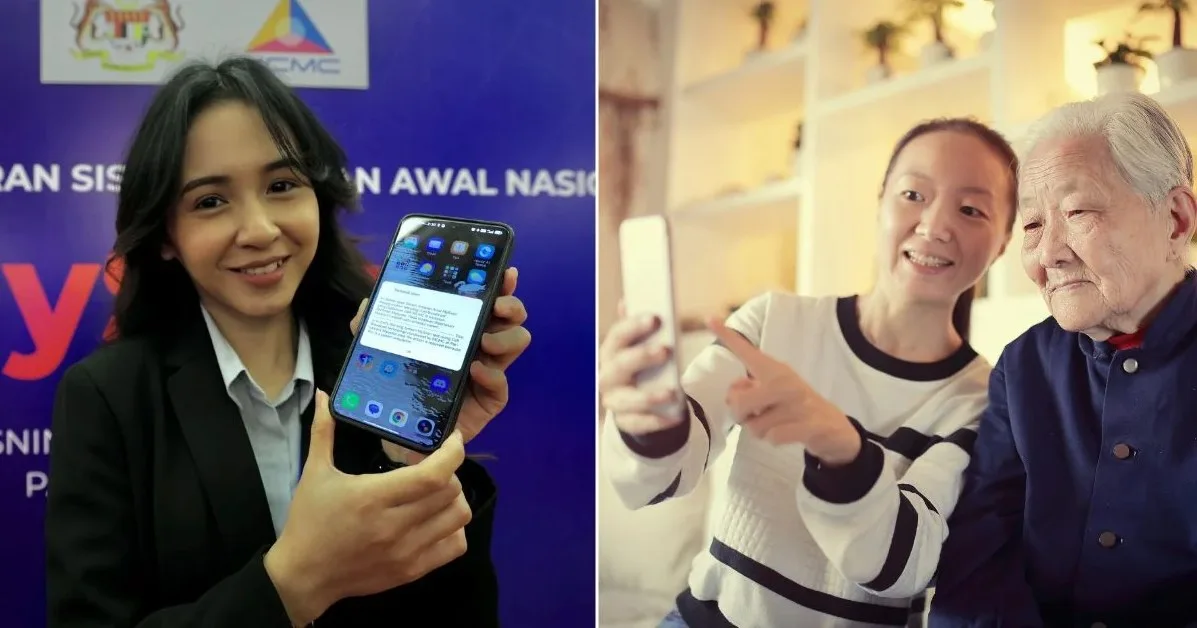
Malaysia is running a nationwide MySiren test this Sunday, 29 November. Compatible phones will receive a test alert, so it is worth warning older family members beforehand so the notification does not come as a shock. If one arrives, stay calm and read the full message.
MySiren uses Cell Broadcast technology to push alerts to compatible phones in affected areas over participating 4G and 5G networks. You do not need to download an app, register or subscribe, and the alerts do not use mobile data or WiFi. Your phone does need to support the technology and be connected to a participating network.
Going by the Malaysian Communications and Multimedia Commission (MCMC) guidance, the phone should be updated to at least iOS 27.2 on iPhone 11 or newer, Android 12 or later, or EMUI 16 or later on Huawei devices. Restart the phone after updating, then look for Government Alerts or Wireless Emergency Alerts in the settings. The exact wording and menu location vary by brand.
Meeting these requirements does not guarantee an alert will come through, since device compatibility, settings and network coverage all play a part. Phones that only support 2G or 3G cannot receive MySiren, and some older 4G models may not either. MySiren will never ask for passwords, banking details, one-time passwords or payments, so anyone asking for those in its name should be treated with suspicion. Radio, television, government websites and verified social media will keep carrying official updates too.
Source: SAYS